TASK JAR
Sign up

Run your team
from a voice note, snap or short clip

Speak the job, photograph it or shoot a quick walkthrough — TaskJar writes the task, with steps, tools, materials, safety flags, the licences the work calls for and a time estimate. Then it carries the whole job: who's on it, hours on site, photos as proof, the customer's sign-off, the client report and the invoice at the end.

Sign up See it in action

ON THE JOB

🎙️ Voice, photo or clip → task ⏱️ Time tracked per worker 📸 Proof of work 🗺️ Map view

RUN THE WEEK

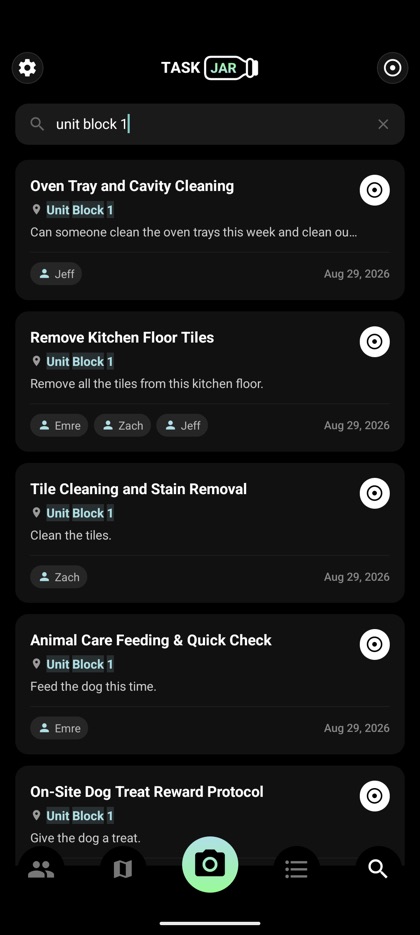
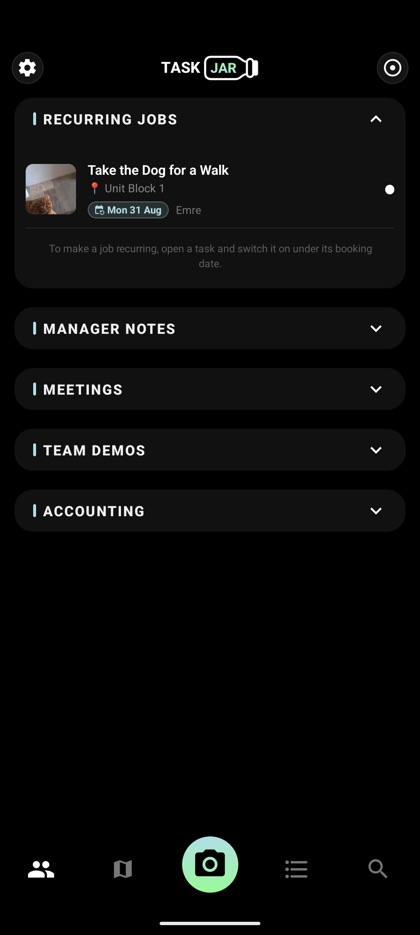
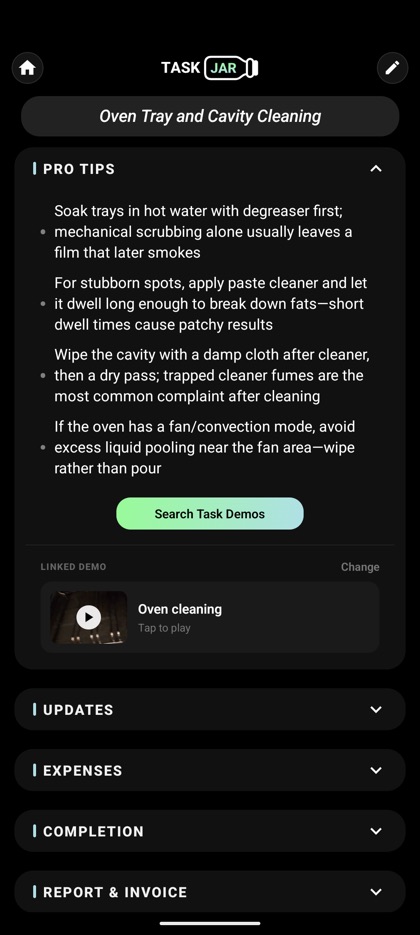
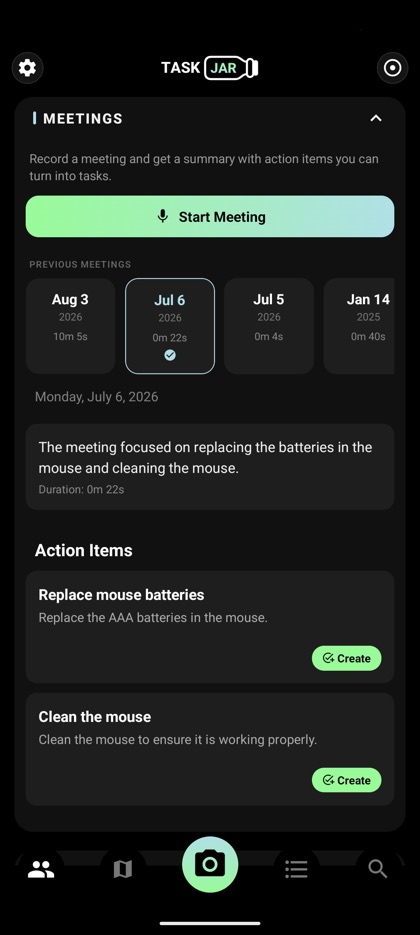
📅 Scheduling view 🎧 Team meetings → tasks 🎬 Team explainer demos 🔎 Search every job

CLIENT FACING

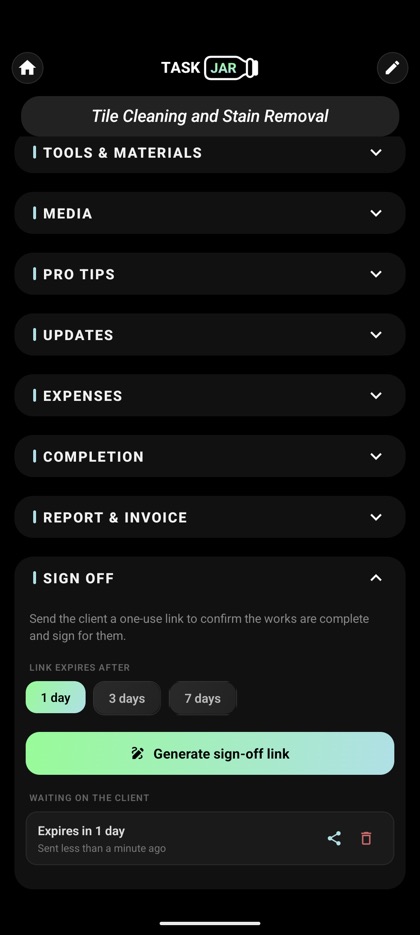
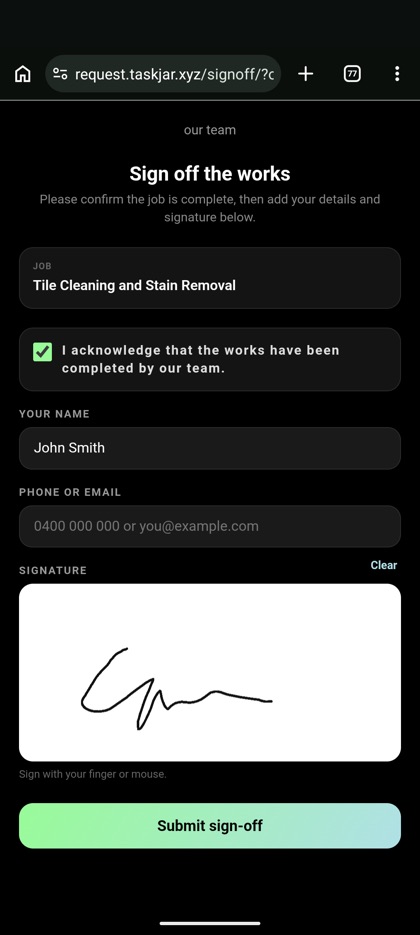
📱 Tenant QR requests 🔗 One-off client links ✍️ Customer sign-off 📄 Report generation

ACCOUNTING

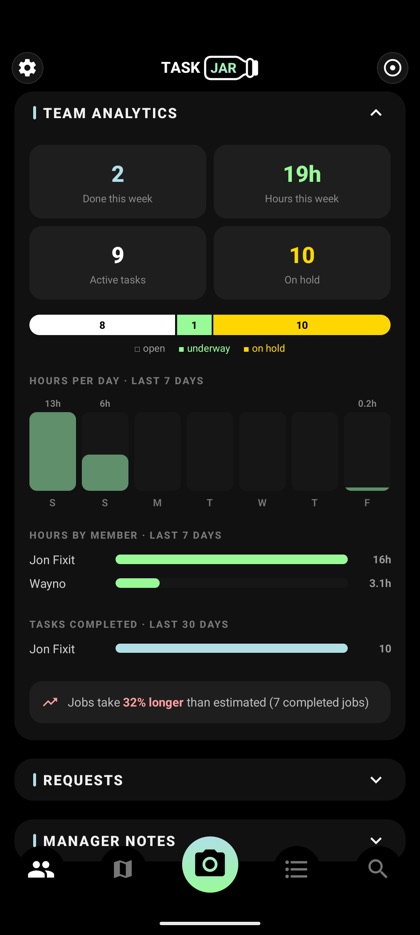
🧾 Receipt scanning 💰 Invoice generation 🛒 Product search 📊 Team analytics

Pick the team you run

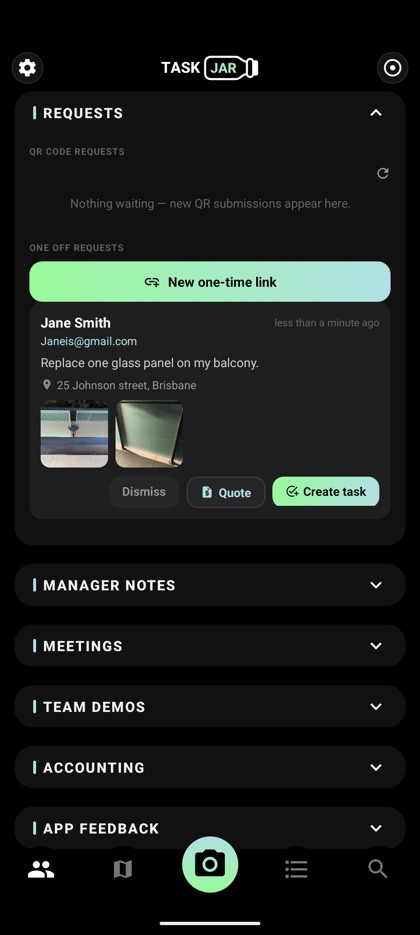
Requests inbox showing a tenant request with photos
Tenant requests land in one inbox
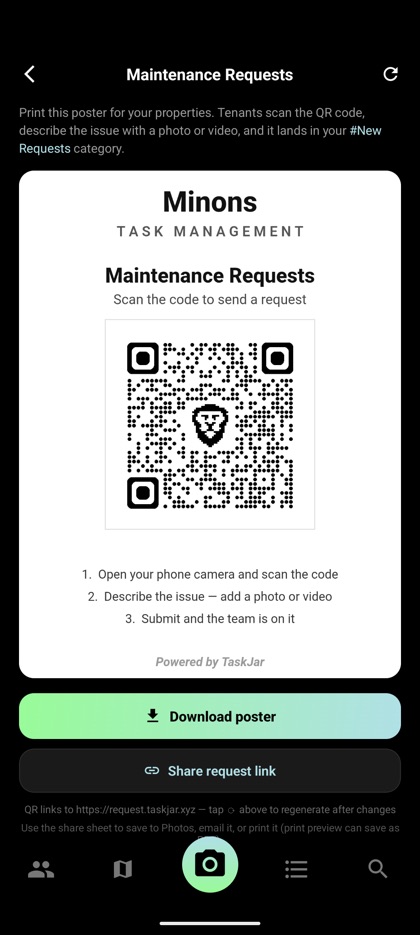
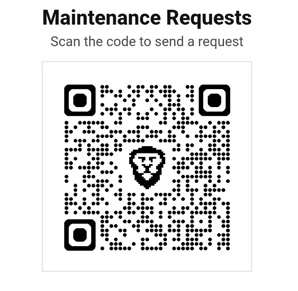
Maintenance request QR poster branded with the company name, ready to print
Branded QR poster per property
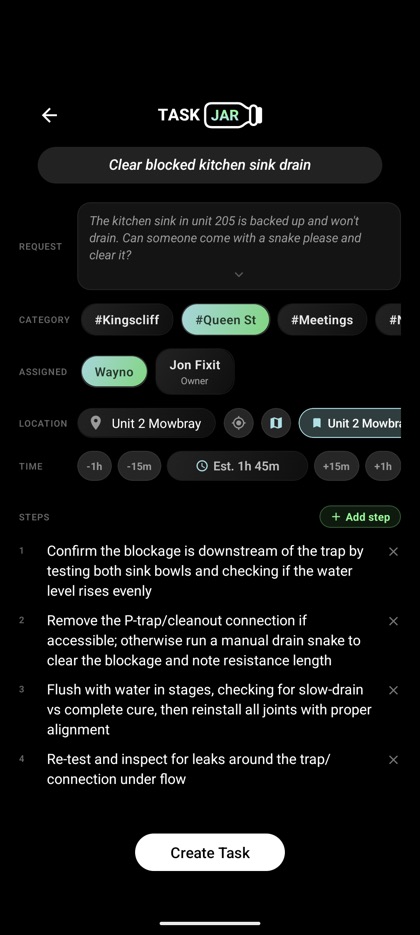
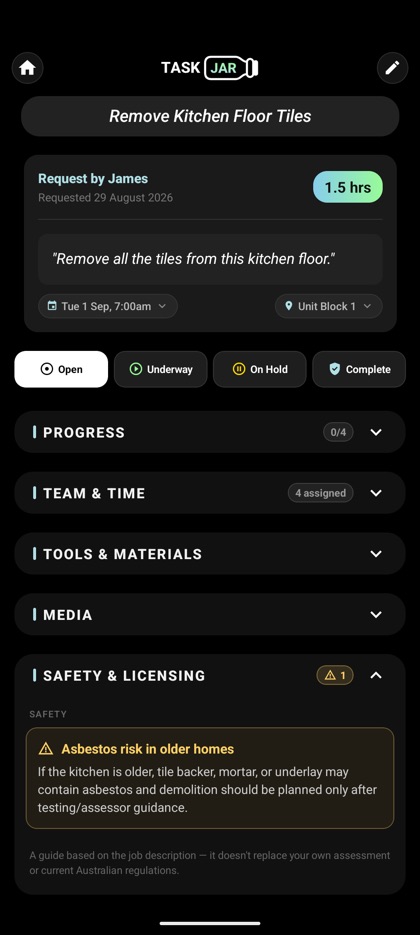
A task drafted from a request, with steps and a time estimate
Request to a full task in one tap
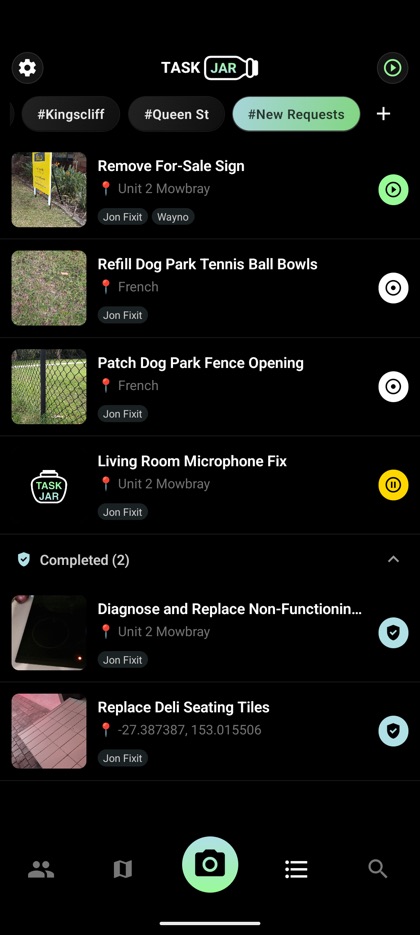
Task list grouped into channels per property
A channel per building or portfolio
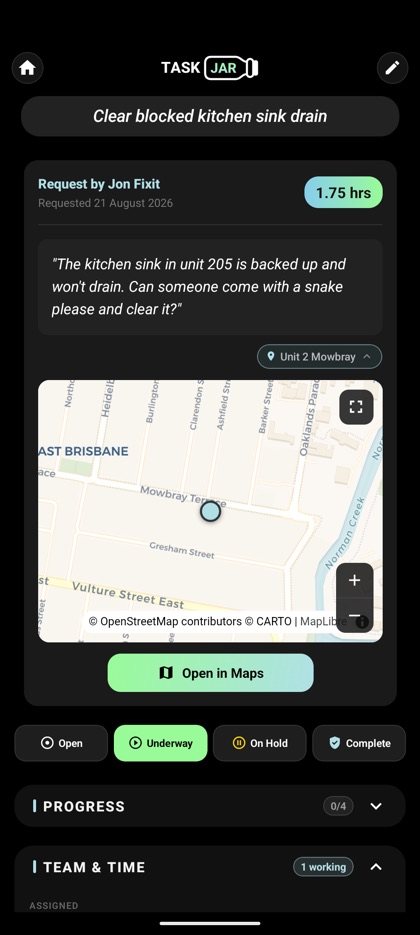
Task detail showing the unit, a map and time on site
Unit, address and hours on every job
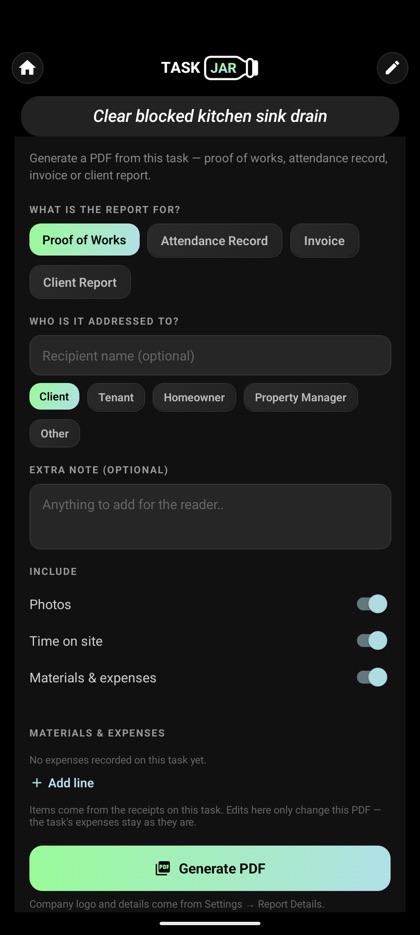
Report generator with proof of works, invoice and client report options
Owner and tenant reports as PDFs

Scroll the row for more →

Everything between "there's a leak" and "job done"

🎙️

Voice-to-task AI

Record a voice note on site. TaskJar writes the task: title, steps, tools, materials with cost estimates, and a time estimate.

📱

Tenant QR requests

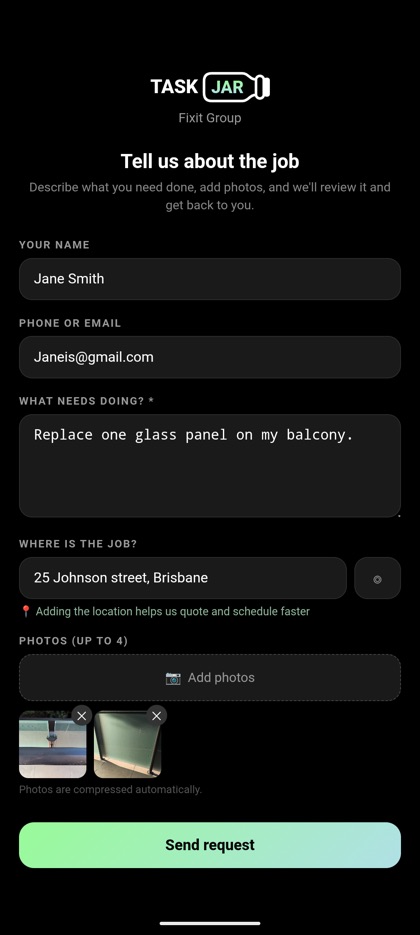
Print a poster per property. Tenants scan, describe the issue with a photo or video, and it lands in your New Requests channel — no app install, no phone tag.

⏱️

Hands-off time tracking

Start a task and time runs for everyone assigned. Left early? Sick day? Anyone can review and fix their hours after the fact.

🗓️

Team scheduling

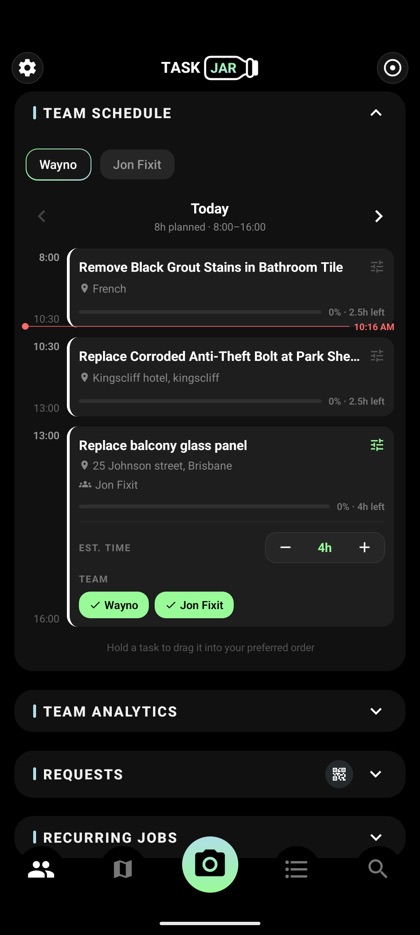
See each member's week packed into working days. Drag to reorder, nudge estimates, reassign — perfect for the morning stand-up.

🗺️

Maps & floor plans

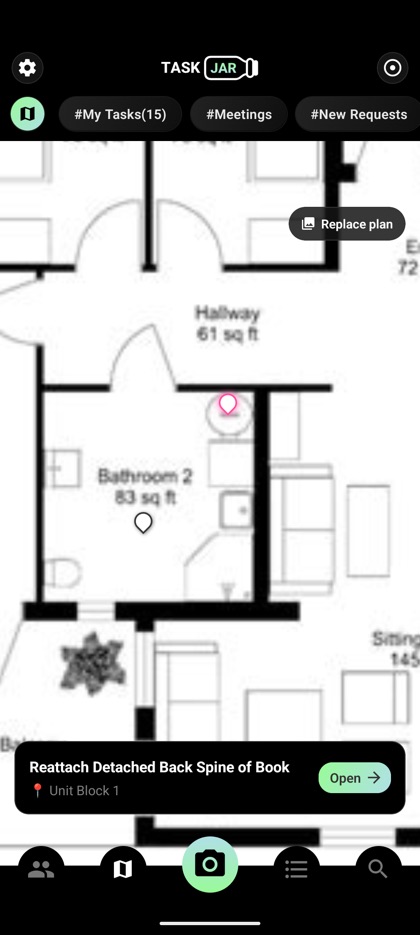
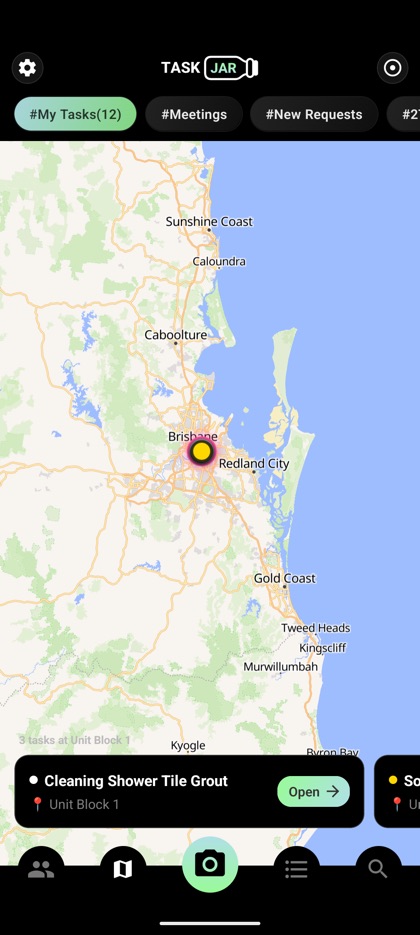
Every task pinned on a live map, or drop pins on your own floor plan for large sites and buildings.

🧾

Receipts & expenses

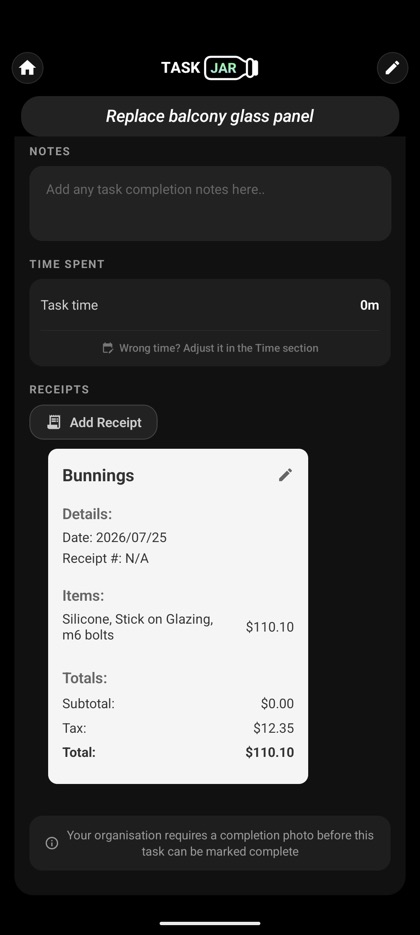
Scan receipts on completion — line items extracted automatically. Purchase approvals built in.

The maintenance hotline, without the hotline

Your tenants don't want another app. They want the tap fixed.

  1. Generate a branded QR poster in TaskJar and stick it in the lobby
  2. Tenant scans → describes the issue → adds a photo or short video
  3. The request appears in your app with the unit number and contact — assign it in one tap
Flat per team. No per-seat surprises.

TEAM 10

$99/mo
For a growing crew
  • Up to 10 team members
  • Every feature, no limits
  • Standard support
Sign up

CUSTOM

Let's talk
More than 10 people
  • Seats to suit your team
  • Everything in Team 10
  • Help getting your crew set up
Ask about a custom plan

One price for the whole team. Every plan includes every feature — no add-ons, no per-seat maths. Cancel anytime, no contract.

The stuff you'd ask on a call

Do my tenants need to install anything?

No. They scan the QR poster with their phone camera and get a simple web form — describe the issue, attach a photo or video, done. No account, no app.

How does the AI task creation actually work?

You record a voice note (or a video walkthrough). TaskJar transcribes it and generates the task — title, step-by-step plan, tools list, materials with rough costs, and a time estimate. You can edit anything it gets wrong.

What about my crew's hours?

When anyone sets a task to Underway, time starts for every assigned worker — no clock-in ritual. If someone left early or was off sick, they (or you) adjust or remove their time afterwards. Totals roll up into task completion records.

Which platforms?

iOS and Android. The tenant request page works in any mobile browser.

Can I cancel?

Anytime, no contract. Cancellation takes effect at the end of your current billing period.